
Individual application release notes:
New Feature
- The “Assign Credits to Graduation Requirements” feature from ALE has been added into the Graduation Monitor drop down, to be used to adjust credit placement when viewing a single student.
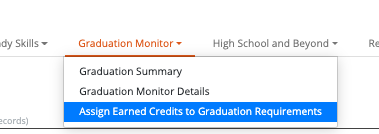
- Course credits adjustments can now be made on an individual student, as needed.
- Adjustments are reflected by ‘**’ and the credit amount in the ‘Was Adjusted’ column

Improvement
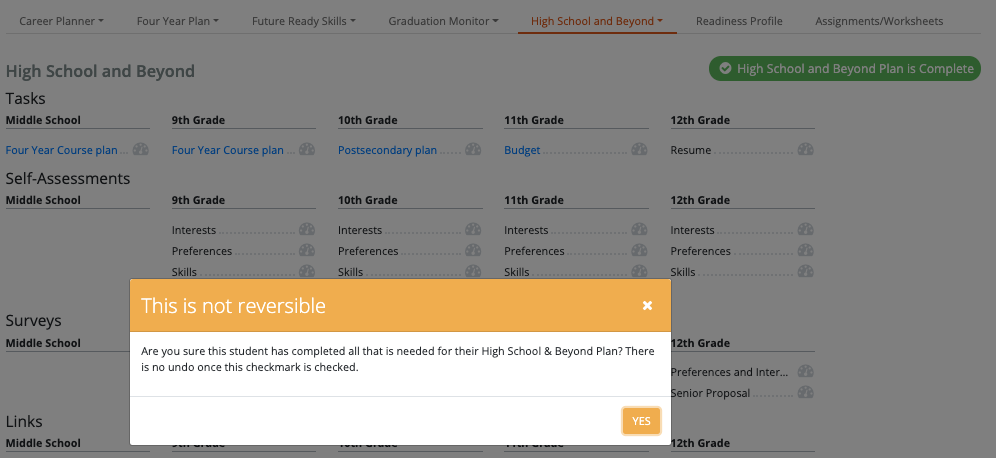
- [HSB-47] - On the newly added “High School and Beyond Plan is Complete” button, a warning for Educators when clicking it has been added. This ensures the user has a second chance to confirm the student has completed all of the necessary tasks.
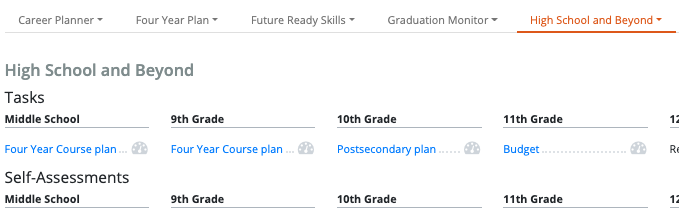
- Before clicking
- When clicked, this is the warning that appears.
- If choose "yes" it will check the box and make it green color.
- Additionally, this is checked systematically if the district is sending us Educational Milestone records from Skyward with High School & Beyond Plan and a completed date.
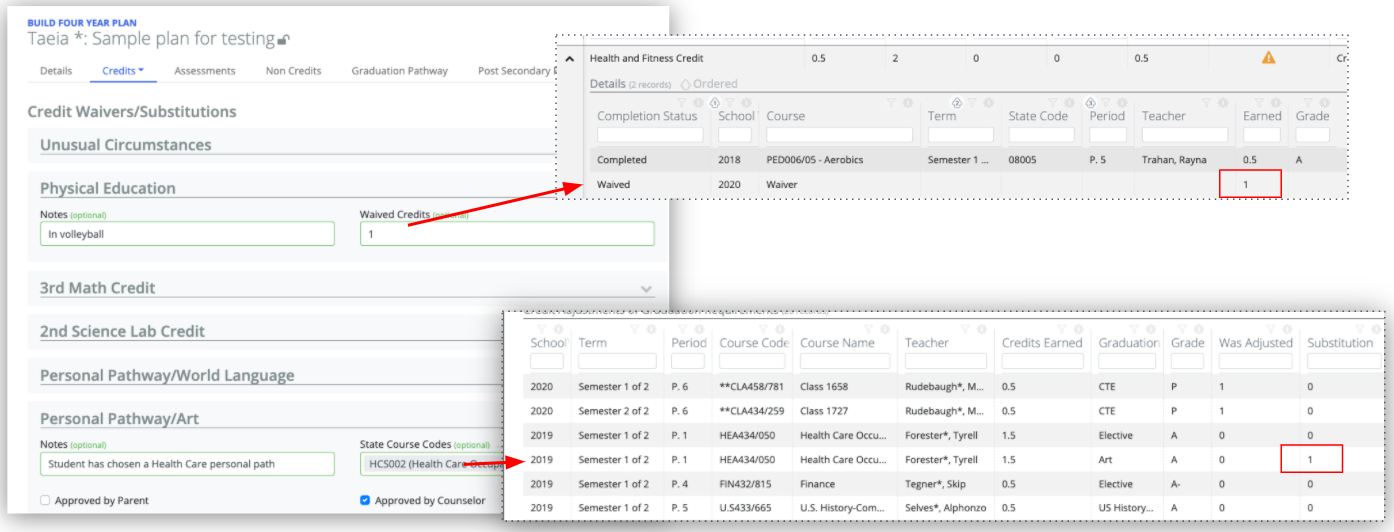
- [HSB-49] - Waived and Substituted credits (entered on a Four Year Plan) now are easily reflected for review in the students Graduation Monitor details tab.
- [HSB-63] - In the Career Planner Completion section, a column has been added to reflect student’s favorited Career Clusters.
- [HSB-64] + [CP-276] - Students and Educators can now review favorited Career Clusters on the student’s Career Planner Portfolio page.

- [HSB-45] - The High School Beyond tasks list now includes a “Middle School” category

Bug
- [HSB-37] - “Select a Student” option no longer occasionally opens multiple student select boxes
- [HSB-43] - The Personalized Pathway/Art substitution is now displaying when reviewing a student
Comments
0 comments
Please sign in to leave a comment.