
The Student Data Grids often contain sensitive student data. Therefore, anyone receiving the data via email must first authenticate to download the spreadsheet.
The email you receive will come from 'Your Data Team' with the subject 'Your Student Data is Ready!' If the email is not in the inbox, check the Spam folder.
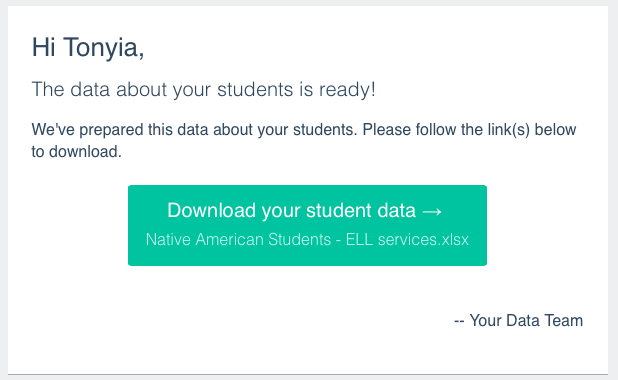
- Click the Download your student data button.
- Authenticate using your SchoolData.net username and password if necessary.
- A Student Data Downloader webpage will open, and the download will start. The webpage must remain open until the download is finished.
- Navigate to the appropriate folder on your computer to open the downloaded file.
- If the Student Data Grid does not automatically download, click the Retry Download button.
Comments
0 comments
Please sign in to leave a comment.